fzf for blogging
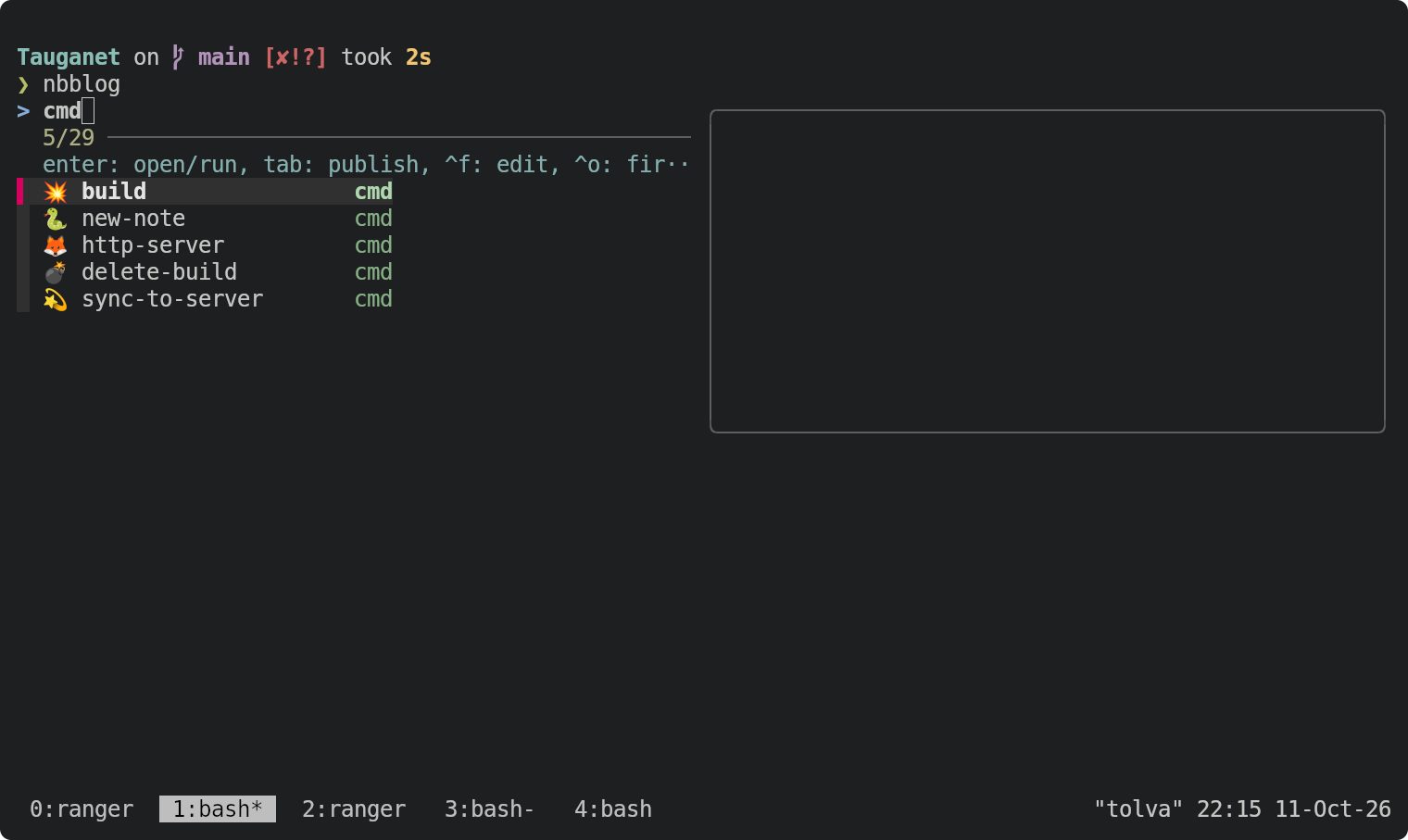
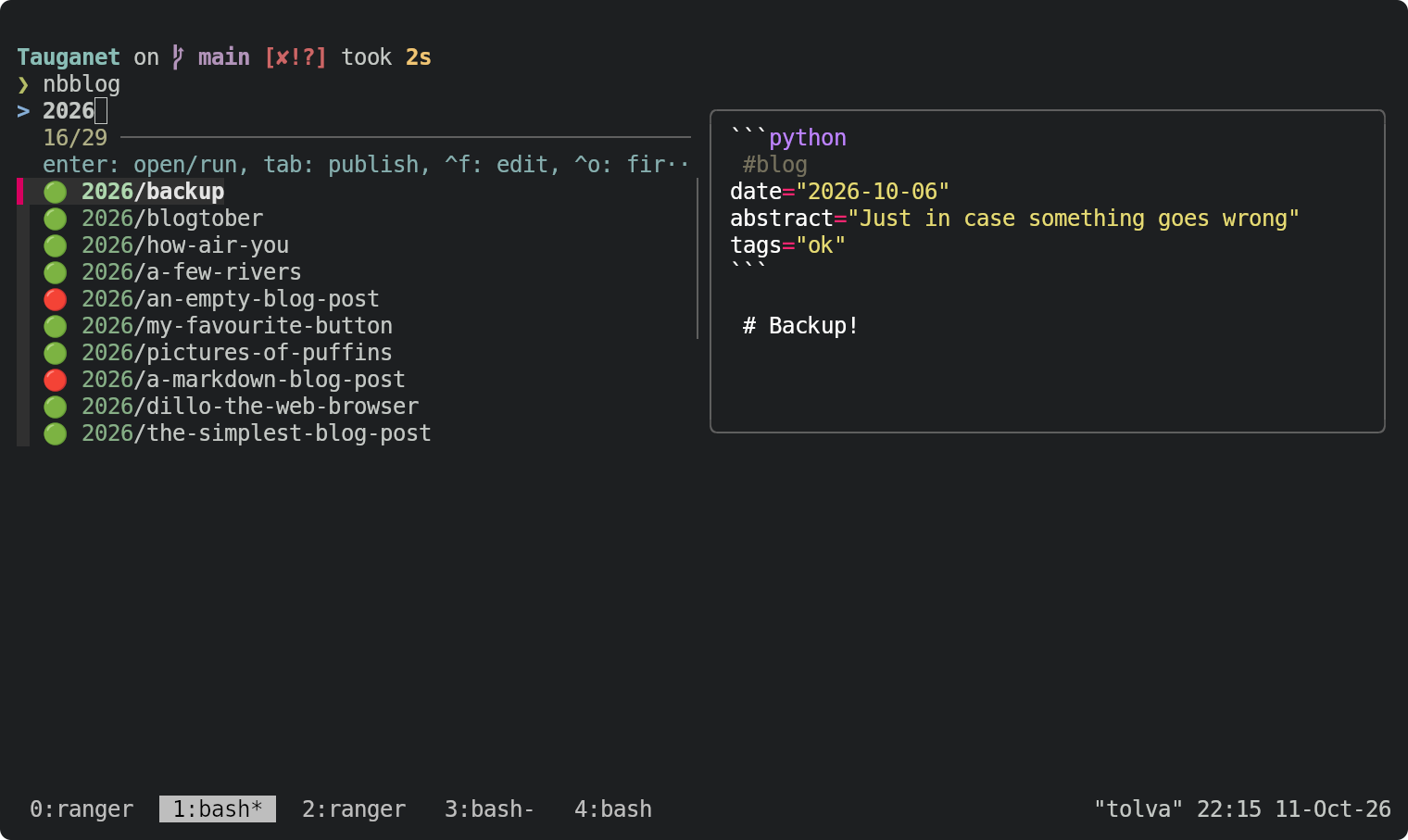
I use fzf as an interface to manage my blog. I wrote a little python program that populates fzf with my published and un-published blog posts. It also shows me a list of the commands I need to build and deploy the blog to the server.
Pressing tab will toggle the published state of the selected blog post. In reality it’s just creating or removing a symlink from the blog directory to the blog post. The green and red circles indicate if the post is published or not.
Pressing enter starts up jupyter notebook in the python environment of the blog post and opens it in firefox. If the blog post is a markdown file, it opens it in nvim.
I wrote about the simplest blog post a few days ago. That’s all still true but the new-note, build, and sync-to-server commands take care of it.
I created the fzf blogging script when I had only made one blog post. I’ve learned a lot during the last few days of active blogging. I’ll add some changes to the script when I have time. But it is working surprisingly well. I’m definitely going to continue using it.